
WhatsApp Business API

What Is WhatsApp Business API

WhatsApp API

The WhatsApp Business API is Meta's official platform for business messaging at scale. Boost lead generation and conversions with WhatsApp. Use broadcasts for instant, personalized outreach, clear CTAs to drive action, and chatbots for 24/7 support and recommendations. Transform your marketing strategy now for rapid business growth. Explore WhatsApp automation and bulk WhatsApp marketing, or read Meta's official platform documentation.
WhatsApp API

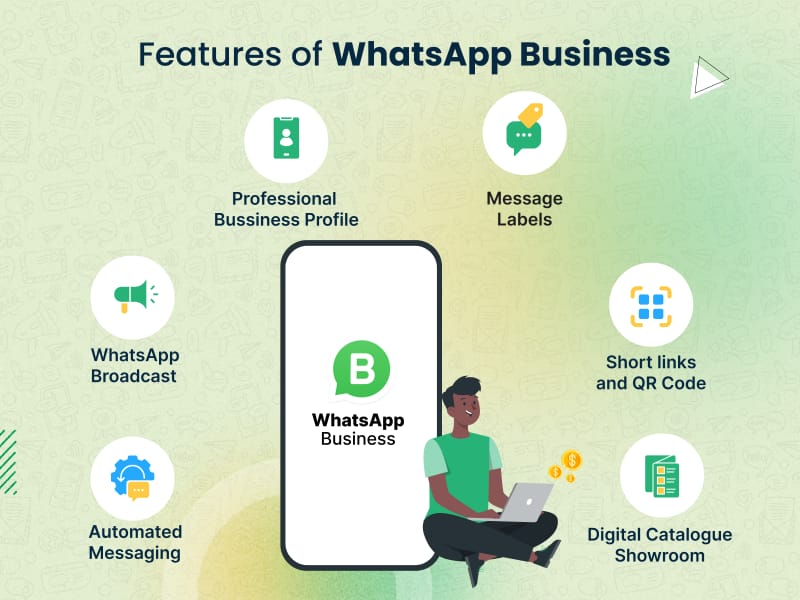
Key Features

Increase campaign conversions using WhatsApp Marketing strategies

Access a variety of industry-ready templates for quick and effective broadcasts

Track WhatsApp campaign performance with Advanced Analytics tools

Segment leads for personalized targeting and retargeting

Schedule and automate WhatsApp messages across different time zones for optimal reach and engagement

WhatsApp Business API

Benefits of the WhatsApp Business API

Respond to queries in real-time to drive conversions effectively

Assign queries to agents seamlessly to ensure no conversation goes unanswered

Collaborate effortlessly with multiple team members for enhanced productivity

Measure and optimize agent productivity with detailed performance tracking

WhatsApp API

Why Choose Us Over Other Providers

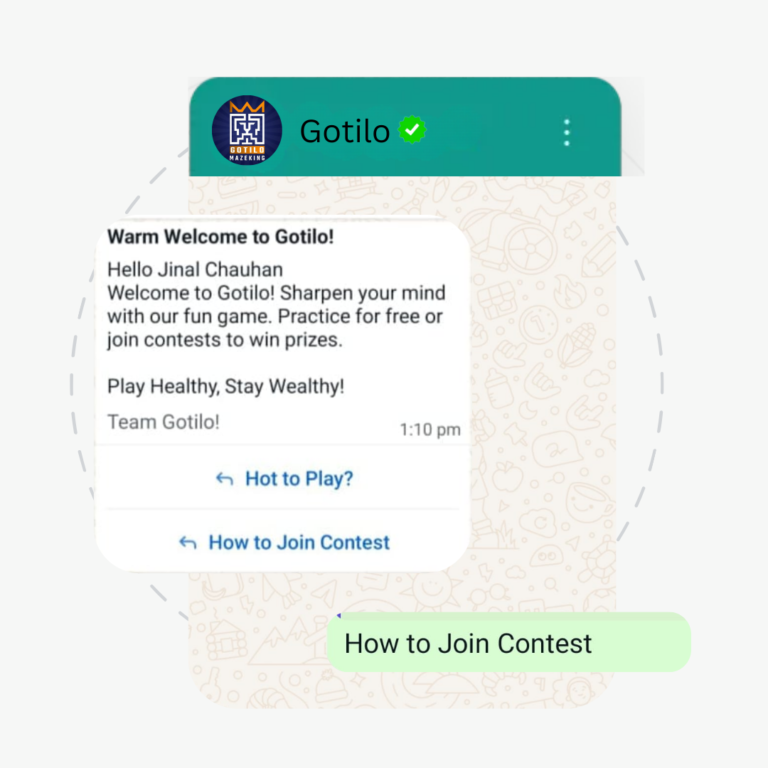
Deploy no-code chatbots to instantly respond to basic queries and capture leads effectively

Enhance engagement by sharing media files and images as part of chatbot responses

Improve conversion rates by addressing frequently asked questions and repetitive inquiries automatically

Ensure seamless customer support by seamlessly transitioning inquiries to human agents through the Team Inbox

Personalize customer interactions and nurture leads through interactive chatbot experiences

WhatsApp Business API

Others

Use CTWA ads to drive targeted traffic to your WhatsApp Business

Create custom WhatsApp flows to engage and convert effectively

Enable seamless support with multiple agent logins on one WhatsApp number

Expand products with a robust catalog and integrated WhatsApp Payments

Integrate with CRM, e-commerce, logistics, and payment systems for unified operations and customer satisfaction

WhatsApp API

WhatsApp API

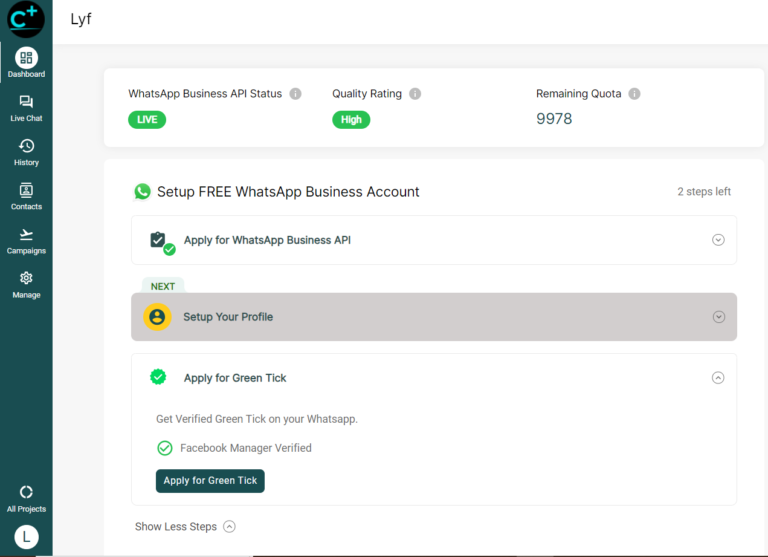
Ensure Eligibility:

Make sure your business meets WhatsApp’s criteria for verification.

Set Up WhatsApp Business API:

Integrate the API with your business systems.

Create a Facebook Business Manager Account:

This is necessary for applying for the green tick.

Submit Verification Request:

Through Facebook Business Manager, submit the required documents and information.

Follow Up:

Monitor your application status and respond to any requests for additional information.

Approval:

Once approved, your business will receive the green tick.

WhatsApp Business API: frequently asked questions

What is the WhatsApp Business API?

The WhatsApp Business API is Meta's official platform that lets businesses send and receive WhatsApp messages at scale, with automation, multiple agents and integrations. Unlike the free WhatsApp Business app, it has no interface of its own, so you use it through an approved provider such as TrendingBulb.

How do I get the WhatsApp Business API?

You need a Meta-approved provider. With TrendingBulb the process is: eligibility check, Facebook Business Manager setup, business verification, phone number approval, then go-live with message templates and automation. Final timing depends on Meta's verification queue, so our team gives you a current estimate before you start.

How much does the WhatsApp Business API cost?

There are two costs: the platform and Meta. TrendingBulb starts with a free trial, after which plans begin at Rs. 999 per month for bulk messaging; higher volumes and custom requirements are quoted by our team. Meta charges separately for the messages you send, at rates that vary by country and message type.

Can I use my existing WhatsApp number for the API?

Yes, as long as that number is not currently active on the WhatsApp Business app or on regular WhatsApp. If it is, you delete that account first. The number keeps working, but previous chat history does not transfer to the API.

What is the blue tick on WhatsApp and how do I get it?

The blue tick is Meta's official verification badge for business accounts, previously shown as a green tick. It is not automatic or guaranteed: Meta grants it based on how notable your brand is, including independent press coverage. TrendingBulb prepares and submits your application. Talk to our team for details on your chances and what is required.

Is bulk messaging on the WhatsApp Business API legal?

Yes, when you use Meta-approved message templates and send only to people who opted in to hear from you. That is the difference between the official API and unofficial bulk sender tools, which break WhatsApp's terms and routinely get numbers banned.

Do I need a developer to use the WhatsApp Business API?

No. The TrendingBulb dashboard handles broadcasts, chatbots and the shared team inbox without any code. Webhooks and API access are available if your team wants to build a custom integration.