
WhatsApp Automation

What Is WhatsApp Automation

WhatsApp Automation

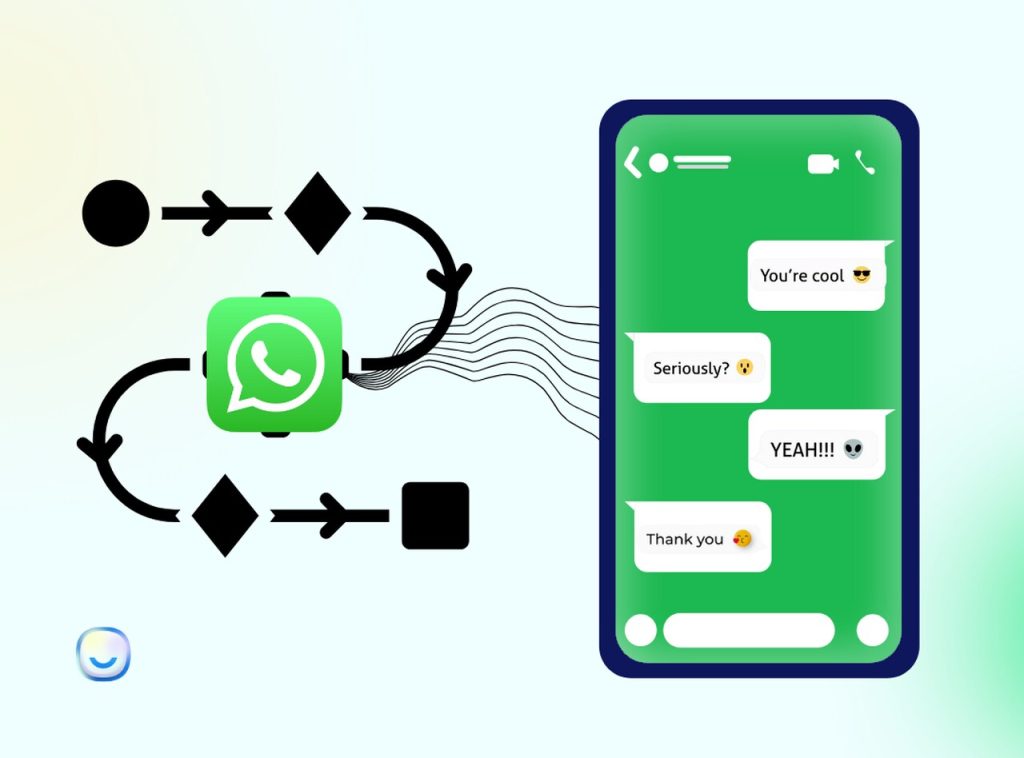
WhatsApp Automation involves using software to manage and send messages automatically on WhatsApp. This allows businesses to handle customer support, promotional messages, and reminders efficiently. With WhatsApp Automation, companies can save time, improve response rates, and boost customer satisfaction by automating tasks like welcome messages, order updates, and abandoned cart reminders. Automation runs on the WhatsApp Business API, and works alongside bulk WhatsApp marketing campaigns. See Meta's official platform documentation for the underlying rules.
WhatsApp Automation

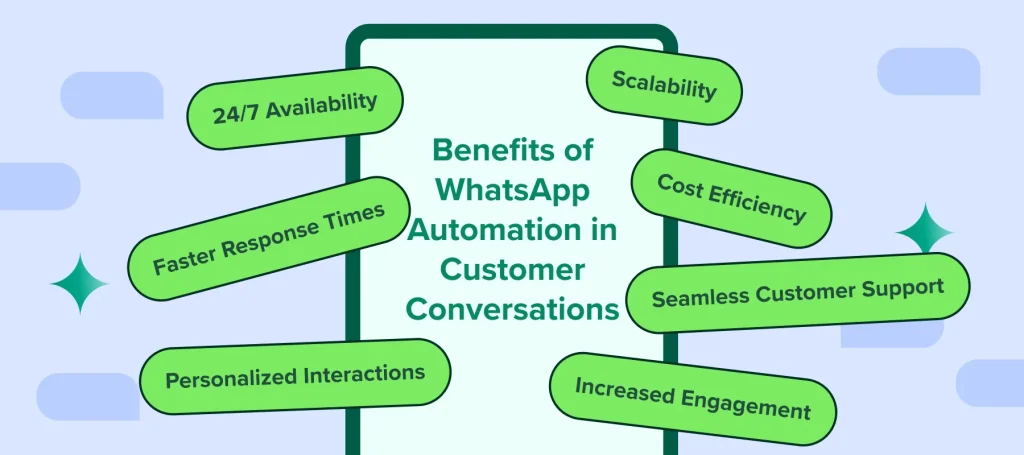
Benefits of WhatsApp Automation

Faster Response Times:

Automate replies to common queries, reducing wait times.

Save Time and Effort:

Free up your team’s time for more critical tasks.

24/7 Availability:

Automated messages ensure your business responds even after hours.

Increased Engagement:

WhatsApp boasts higher engagement rates than emails and SMS.

WhatsApp Automation

Top WhatsApp Automation Use Cases

Payment Reminders:

Automate reminders for payments like loans or subscription fees.

Welcome Messages:

Automatically greet new users and guide them through your services.

Abandoned Cart Recovery:

Send reminders to users who leave items in their carts.

Delivery Updates:

Provide real-time tracking and notifications for orders.

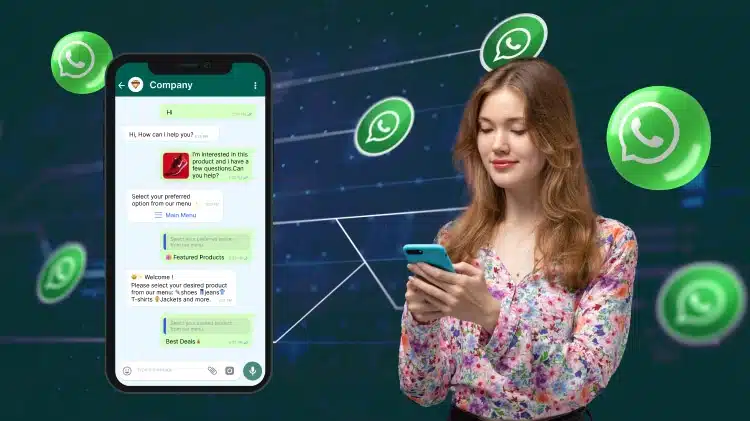
Chatbots:

Use AI to handle customer queries and complete transactions.

After-Sales Support:

Automate responses to common post-purchase questions.

There are two primary ways to automate WhatsApp messages:

WhatsApp Business App

Suitable for small businesses, it allows basic automation like greeting and away messages.

WhatsApp Business API

Ideal for larger businesses, it offers advanced features like integrating with CRMs and sending automated notifications for various scenarios.

Faster Response Times:

Automate replies to common queries, reducing wait times.

Save Time and Effort:

Free up your team’s time for more critical tasks.

24/7 Availability:

Automated messages ensure your business responds even after hours.

Increased Engagement:

WhatsApp boasts higher engagement rates than emails and SMS.

WhatsApp Automation

Why Choose Us for WhatsApp Automation

Expertise in Automation:

We specialize in creating seamless WhatsApp automation solutions tailored to your business needs.

Customized Solutions:

We offer personalized strategies to enhance your customer communication and engagement.

Comprehensive Support:

From setup to maintenance, our team provides ongoing support to ensure optimal performance.

Advanced Features:

Utilize cutting-edge features like chatbots, custom integrations, and detailed analytics.

Proven Track Record:

We have a history of successful implementations and satisfied clients.

Affordable Pricing:

Our services are priced competitively to fit your budget.

Fast Services:

We ensure quick setup and implementation, so you can start benefiting from automation right away.

WhatsApp automation: frequently asked questions

What can I automate on WhatsApp?

Common automations include welcome messages, instant answers to frequently asked questions, lead capture from Click-to-WhatsApp ads, abandoned cart recovery, order and delivery updates, payment reminders, appointment confirmations and follow-up sequences.

Do I need coding skills to build a WhatsApp chatbot?

No. Chatbots are built in a visual, no-code builder, and automated replies can include images and files as well as text.

What happens when the chatbot cannot answer a question?

The conversation is handed to a person in the shared team inbox, where any agent can pick it up. Several agents work from the same WhatsApp number, with conversations assigned between them and agent performance tracked.

Can WhatsApp automation connect to my CRM or online store?

Yes. TrendingBulb connects with Shopify, WooCommerce, Zoho, HubSpot, Google Sheets and Zapier, and any other system can be integrated using our webhooks.

Will automated messages get my WhatsApp number banned?

Not if you follow Meta's rules: use approved templates for messages sent outside the 24-hour customer service window, message only opted-in contacts, and keep your quality rating healthy. TrendingBulb flags template rejections and quality rating drops so you can act before delivery is restricted.